
Artintech ERP’s Training Management module keeps all employee training in one place: what training exists, who needs it, and whether it’s been completed. This tutorial walks you through the full setup, from defining training types to assigning programs by job position.
1. Open the Training Management module #
From the left sidebar, open Training Management. You’ll see its sections: Training Programs, Training Assignment, Training Dashboard, My Training, and Settings.
2. Set up Training Types #
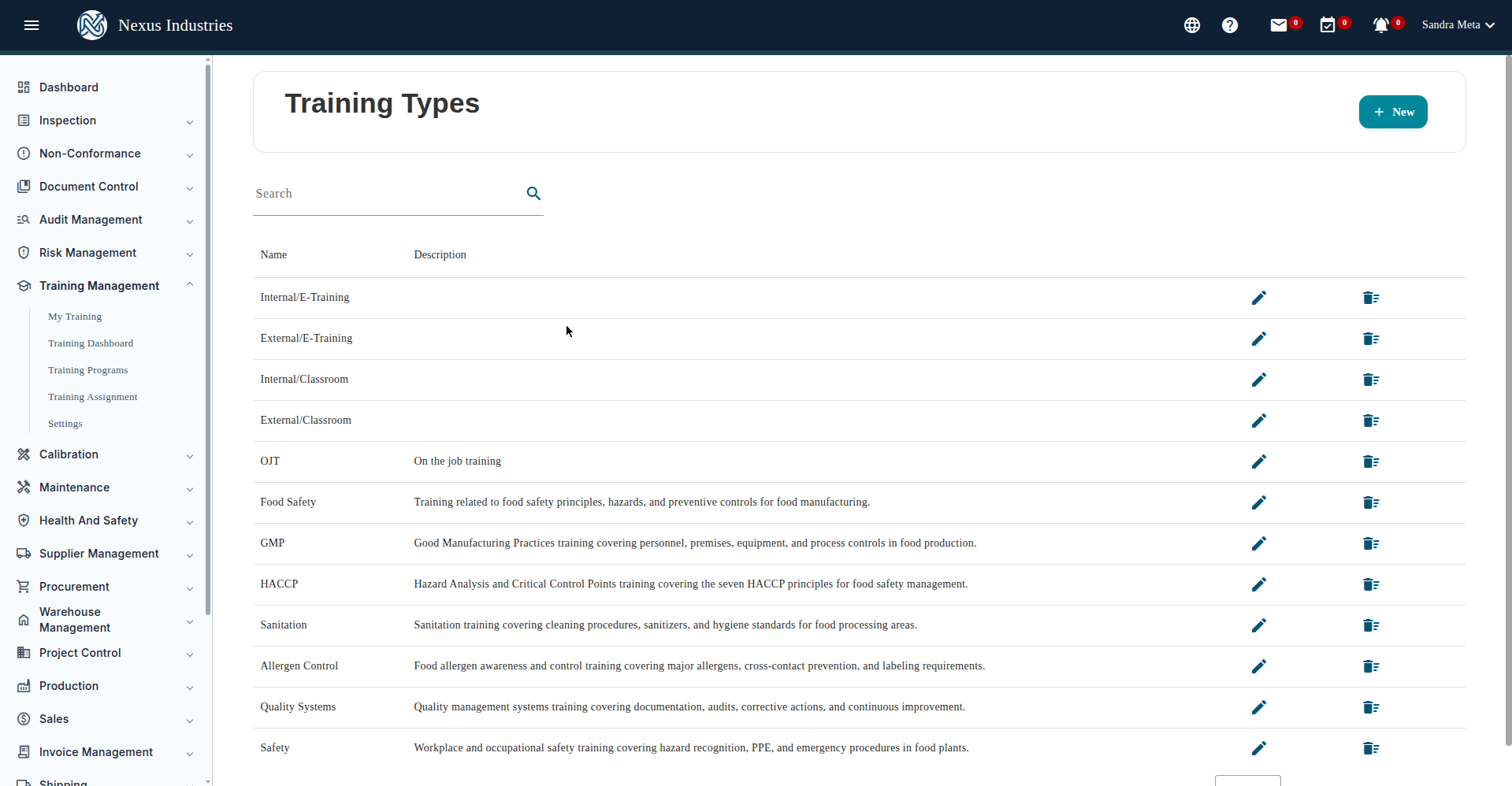
Before creating programs, define your Training Types — the categories training belongs to (e.g. Food Safety, GMP, HACCP, Sanitation, Safety, OJT).
- Go to Training Management → Settings → Training Types.
- Click New, enter a name and description, then Save.
- Use the pencil icon to edit a type or the trash icon to delete one (you’ll be asked to confirm).
3. Create a Training Program #
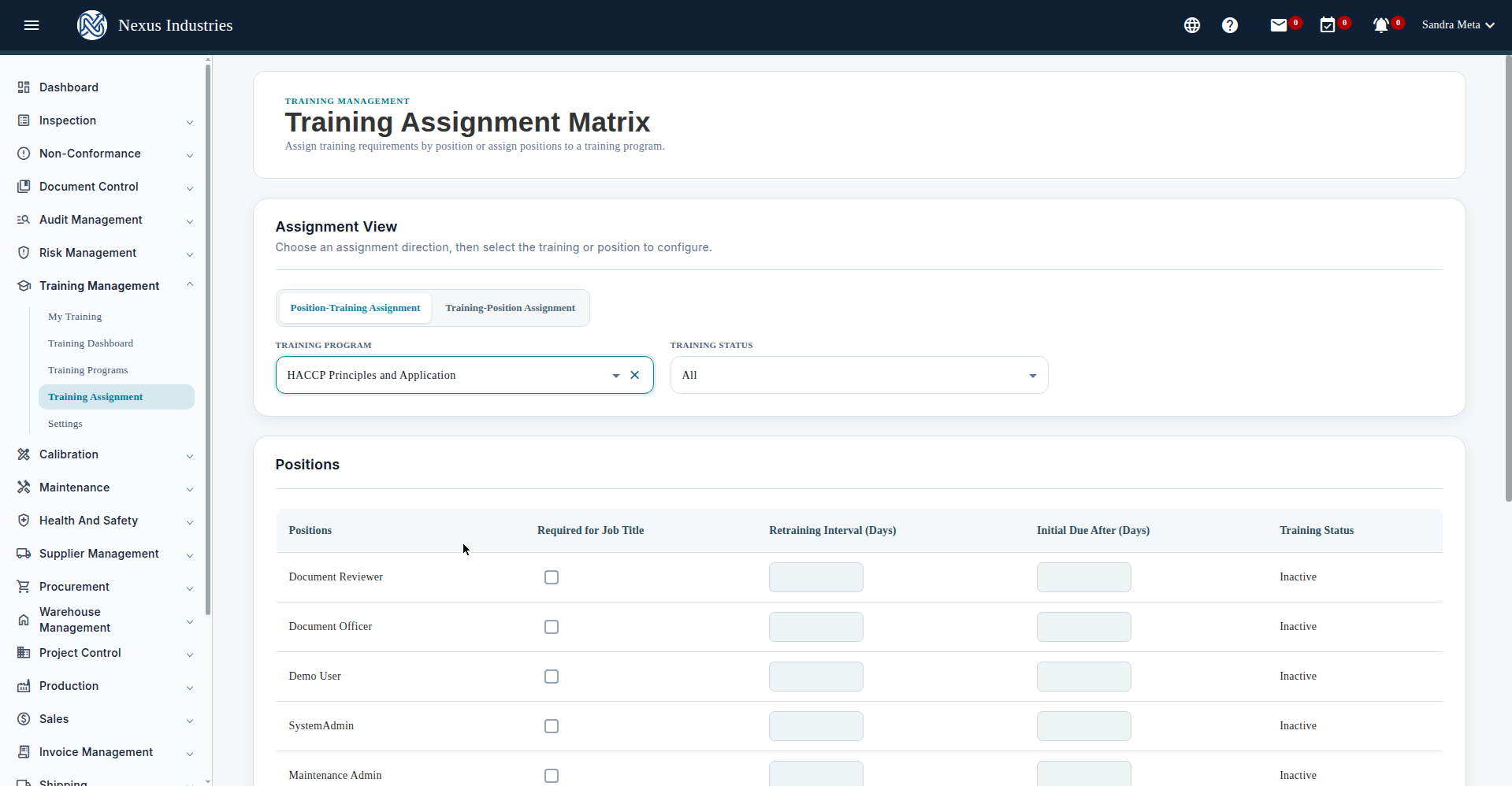
A training program is a single course: its syllabus, duration, type, and which departments it applies to.
- Go to Training Programs and click New.
- Fill in the form: Training Name (e.g. “HACCP Principles and Application”), Type, Status (required), Syllabus File (required — upload the course syllabus PDF), Initiate Departments (required — select at least one), Duration in hours, and a short Description.
- Click Save. If you try to leave with unsaved changes, the system will ask whether you want to save first.
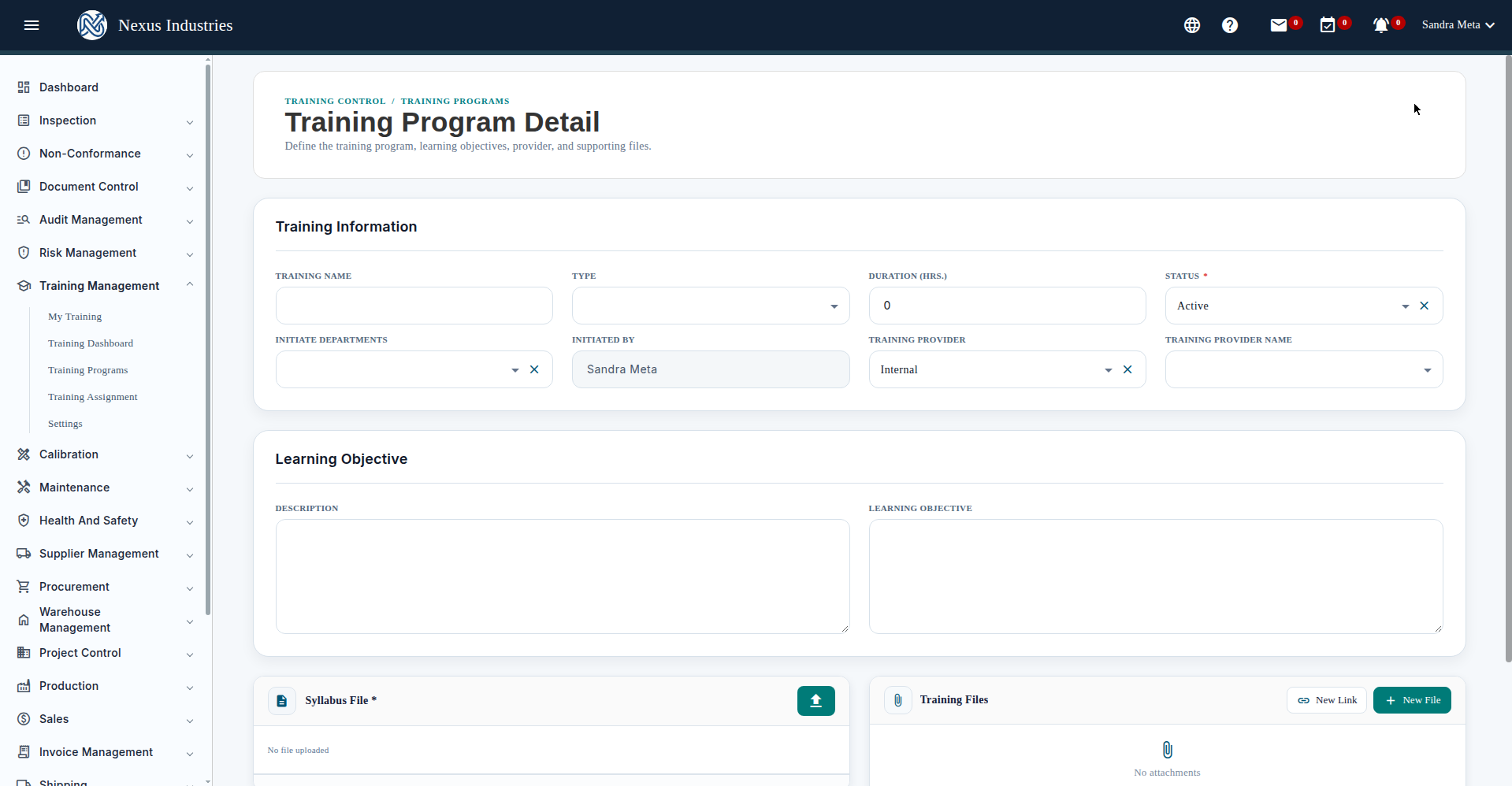
The programs list supports filtering by training name and status, live quick search, column sorting, pagination, and Excel export — handy for audits and management reviews.
4. Assign training by job position #
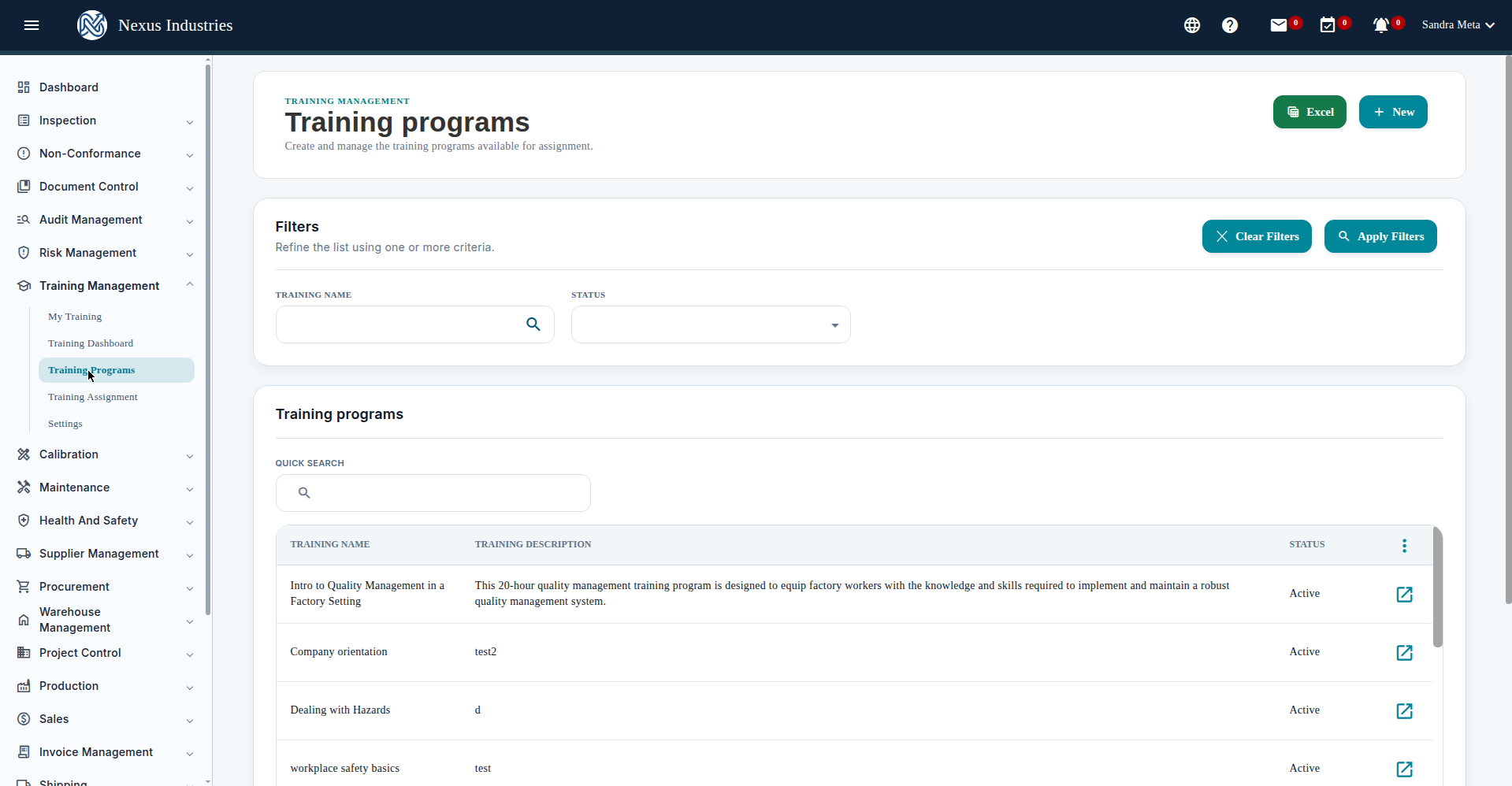
Training Assignment links programs to positions, so every role automatically has a defined training curriculum.
- Go to Training Assignment.
- The matrix shows positions against training programs in both directions.
- Pick a program, then check “Required for Job Title” for each position that needs it.
- When a position requires a program, set the Retraining Interval and Initial Due After values to control refresher timing.
5. Monitor with the Dashboard and My Training #
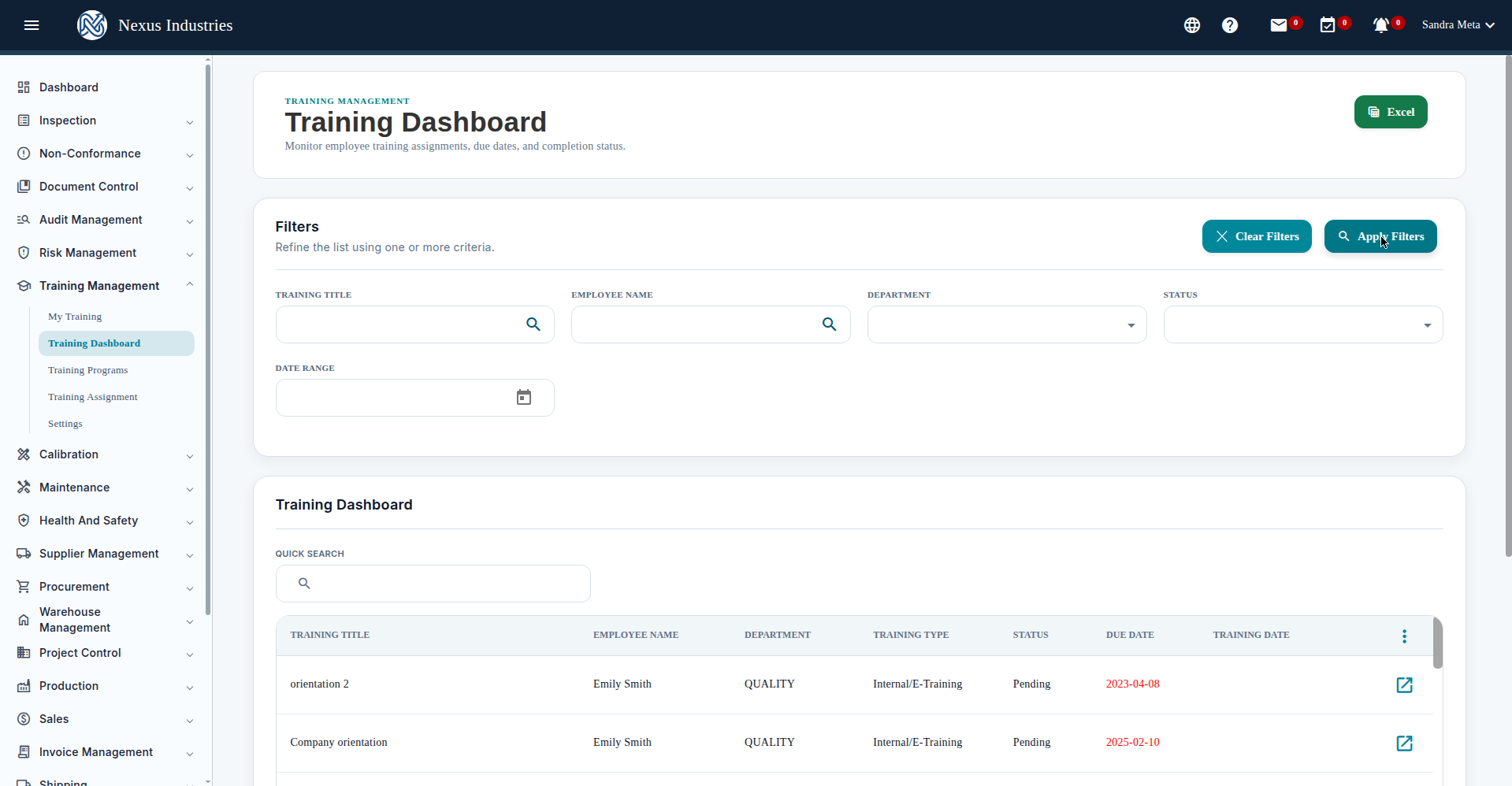
- Training Dashboard gives an overview of training across the company, with filters to slice the view.
- My Training shows the logged-in employee their own assigned training.
Tips #
- Keep syllabi attached. The syllabus file is required on every program — it’s what proves course content at audit time.
- Use retraining intervals for certifications that expire (e.g. annual food safety refreshers).
- Export to Excel before management reviews or audits for a quick training-status snapshot.
- Related reading: Document Control and Audit Control.
New to Artintech? Start your free trial


