
Artintech ERP’s Maintenance module keeps your plant’s equipment running: an equipment/asset register, work orders for corrective repairs, and preventive maintenance schedules that generate work on a recurring basis. This tutorial walks through all three.
1. Open the Maintenance module #
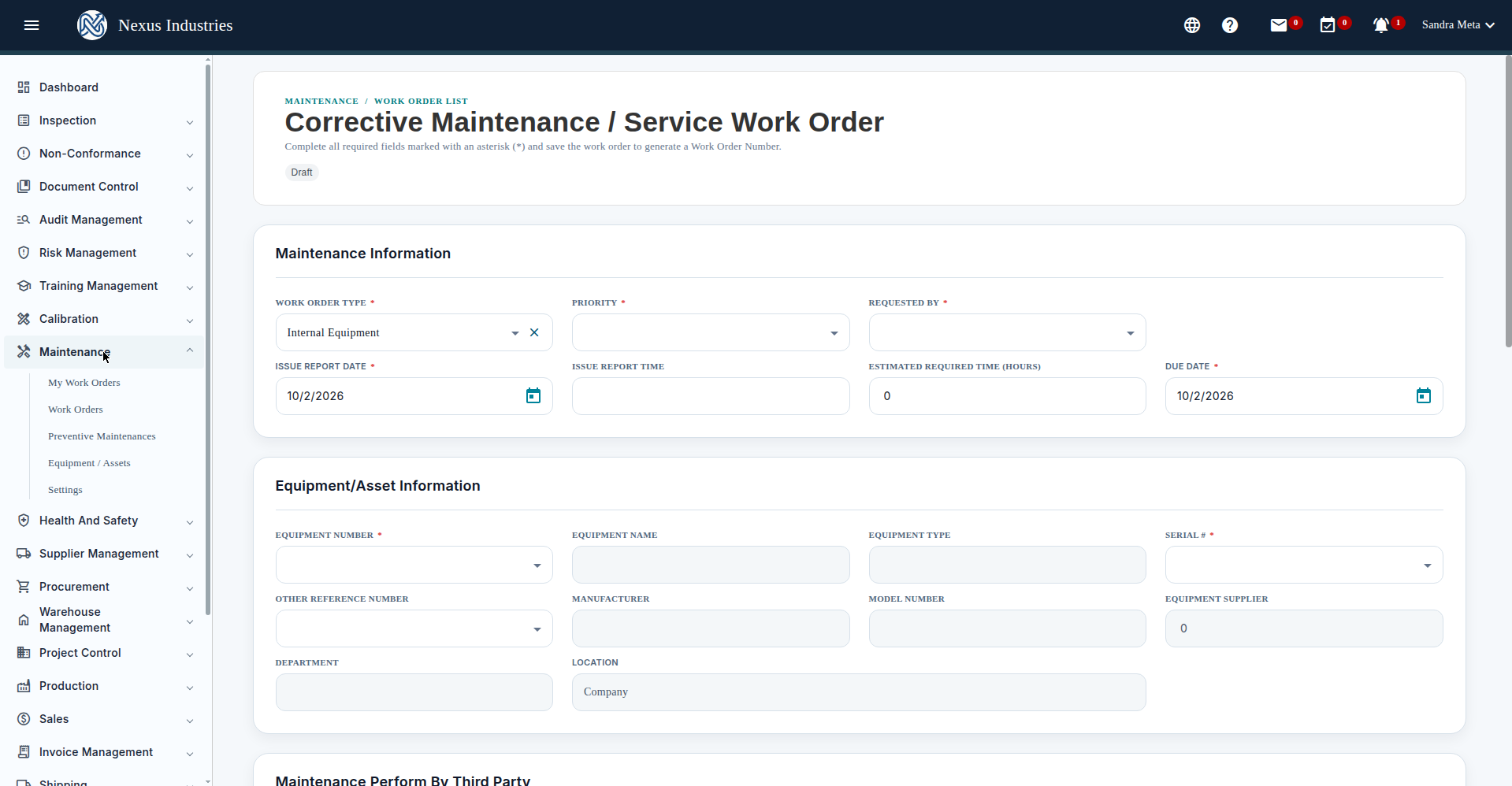
From the left sidebar, open Maintenance. Its sections: My Work Orders, Work Orders, Preventive Maintenances, Equipment / Assets, and Settings.
2. Register your equipment #
Go to Equipment / Assets and click New. Fill in the equipment number, name, type, serial, manufacturer, model, department, and purchase details, then add at least one ownership/location history record (required) and Submit to register the asset.
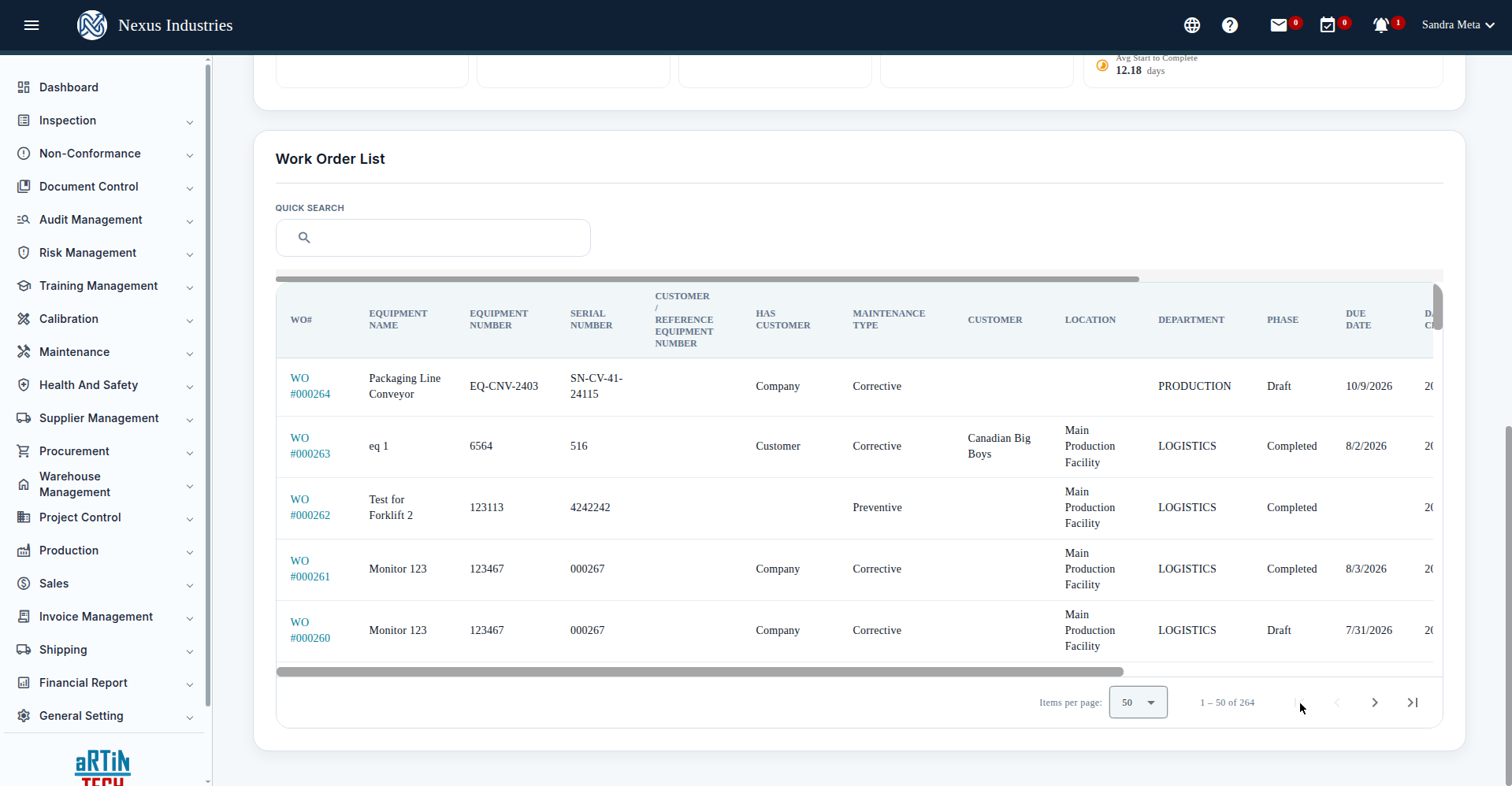
The Work Orders list shows every work order with a 13-field filter panel (WO number, team, equipment, serial, type, phase, department, location, customer, due/create date ranges, invoice status), a statistics header (Total / Completed / In Progress / Overdue plus performance metrics), sorting, quick search, pagination, Excel export, and Customize Columns.
3. Create a work order #
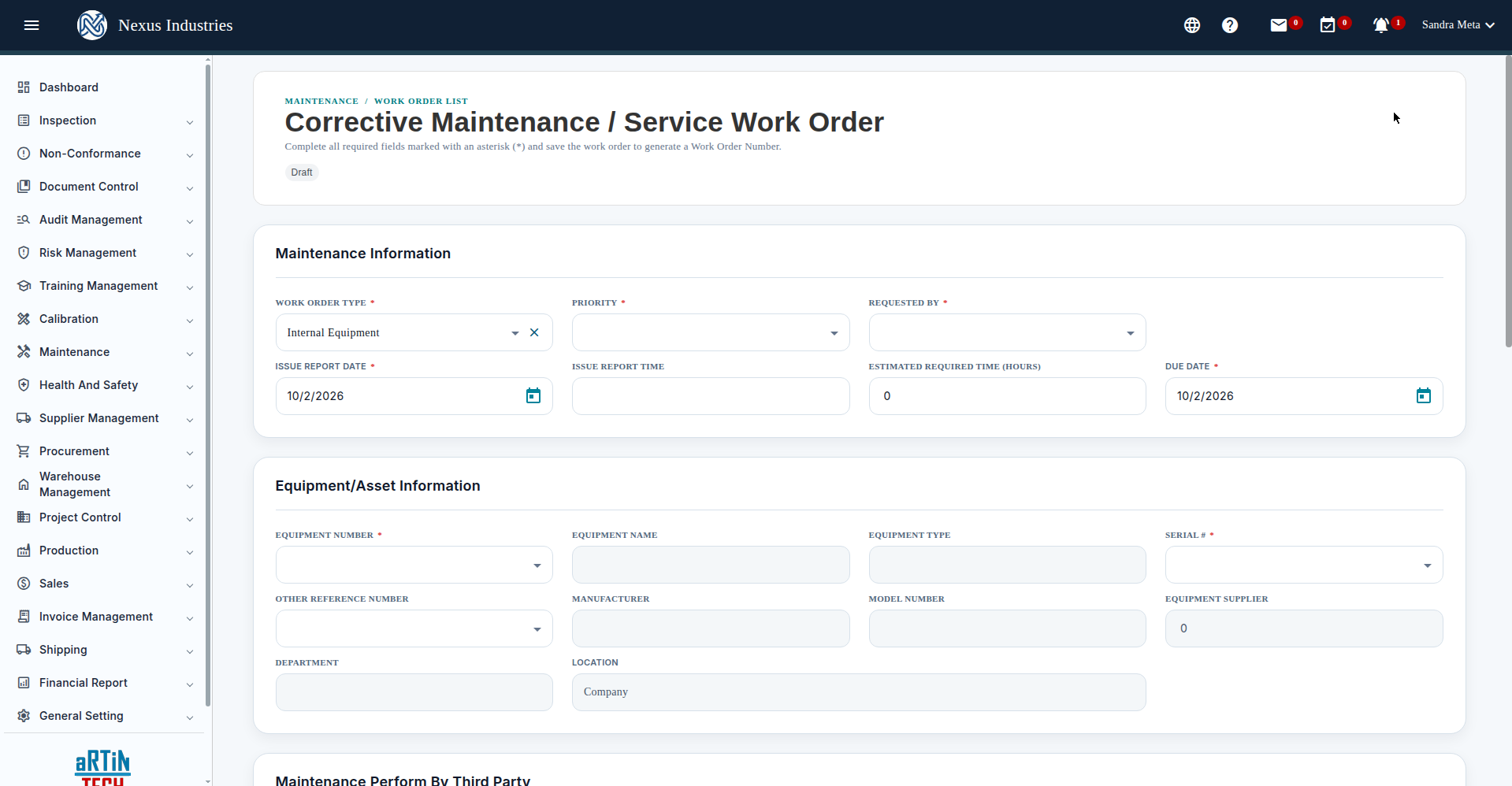
- Go to Work Orders and click New.
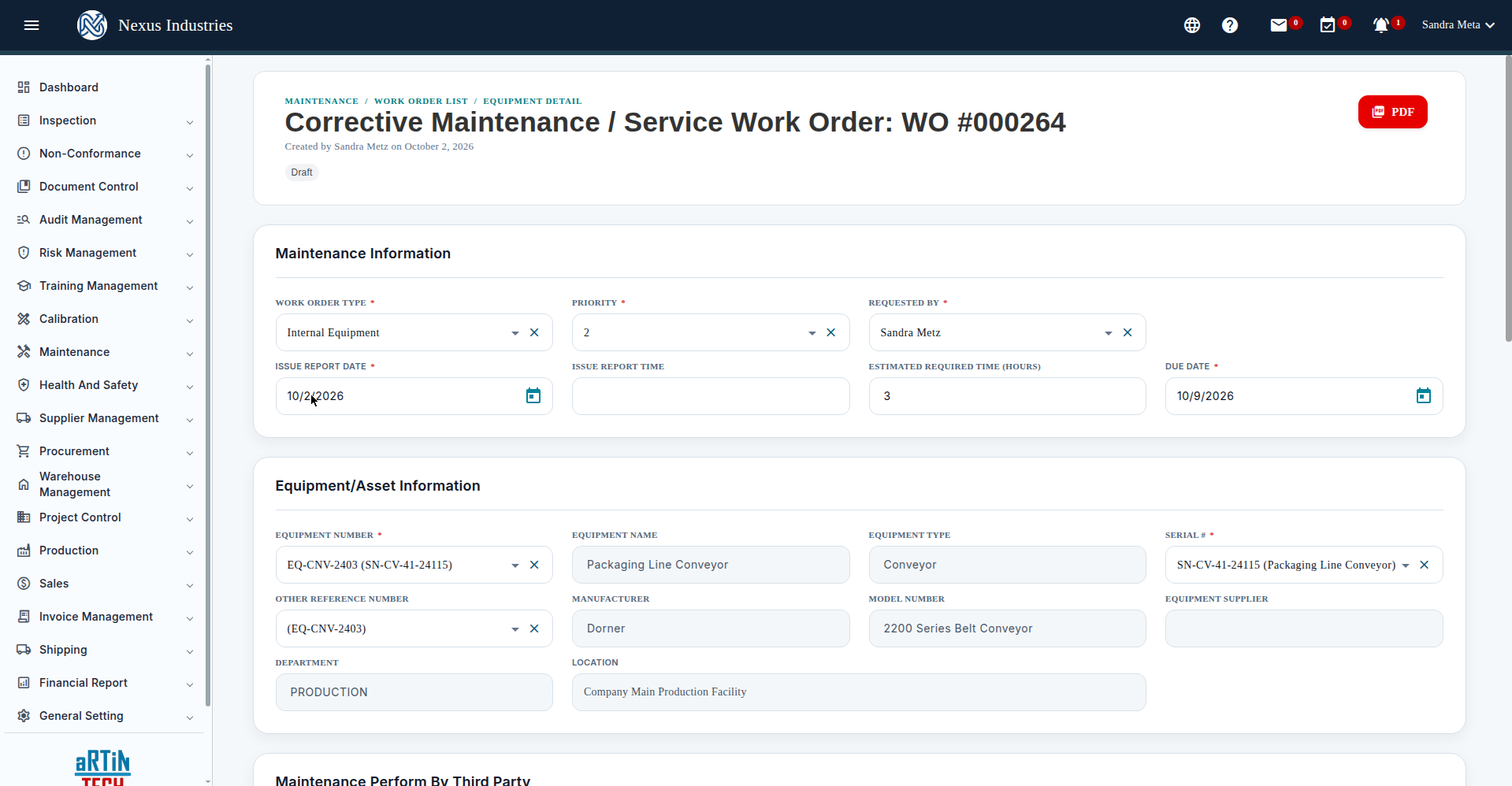
- Fill in the required fields: Work Order Type, Priority, Requested By, Issue Report Date, Due Date; Equipment Number and Serial # — equipment must be Submitted (registered) before it appears in the picker; Issue Description — what needs fixing.
- Save Draft. Open the work order to add the maintenance team, tasks, parts, attachments, and signatures; use Finalize Work Order to complete it.
4. Set up preventive maintenance #
- Go to Preventive Maintenances and click New.
- Fill in the maintenance name, equipment, interval in days, and estimated duration — the next due date is auto-computed from the interval.
- Add the work instruction, checklist, and any applicable standards, then save.
5. The full flow at a glance #
Register (build your equipment/asset register with ownership history) → Schedule (preventive maintenance with auto-computed due dates) → Repair (work orders for breakdowns, with teams, tasks, parts, and signatures) → Analyze (statistics on total, completed, in-progress, and overdue work plus performance metrics like actual vs. estimated hours).


