
Artintech ERP’s Risk Management module keeps your risks in structured risk registers: identify each risk, score it on a heat map, plan mitigation, and monitor the residual risk. This tutorial walks you through the full flow using realistic food-manufacturing examples.
1. Open the Risk Management module #
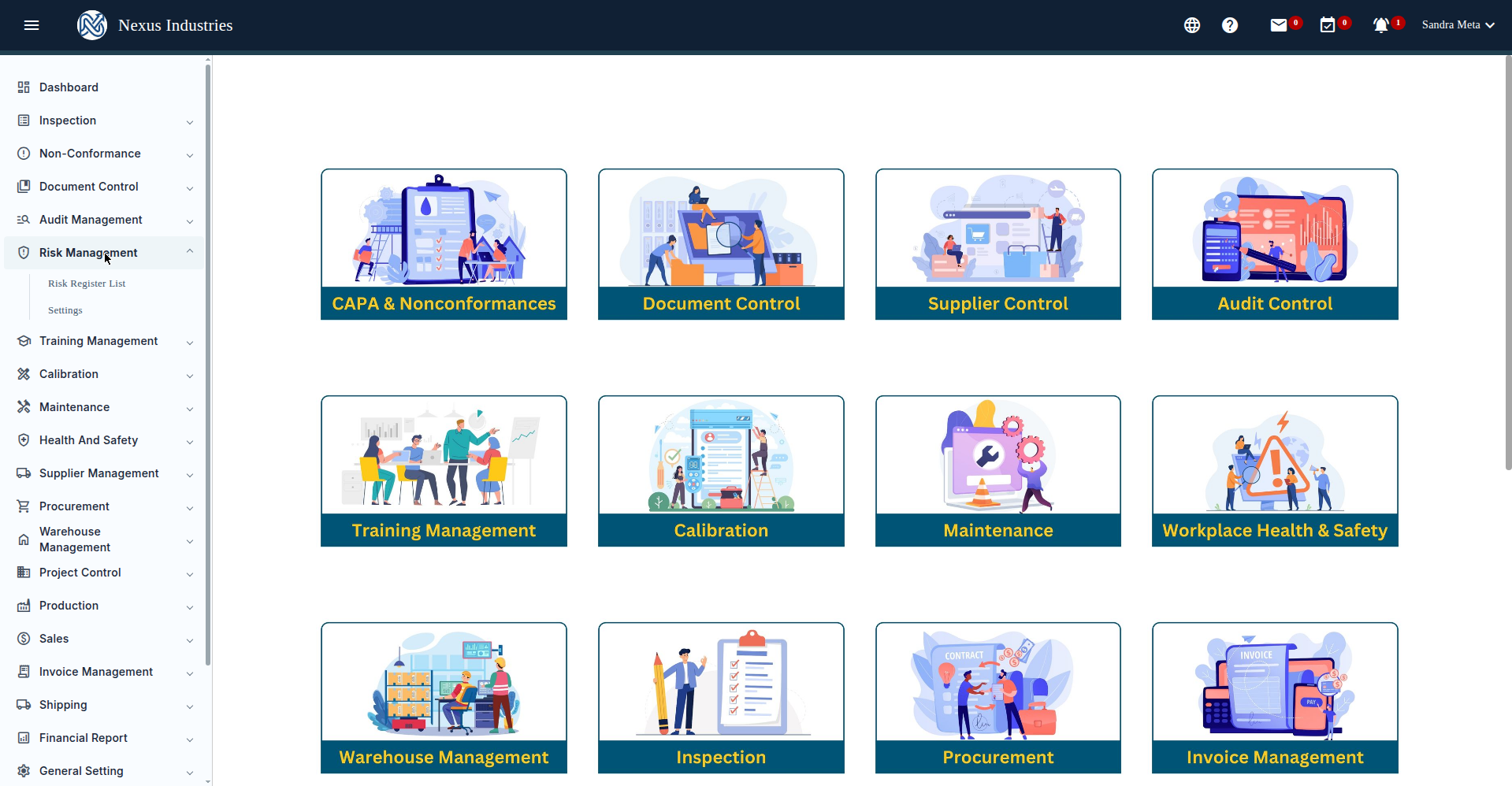
From the left sidebar, open Risk Management. You’ll see its sections: Risk Register List and Settings (risk categories and assets).
2. Open a risk register #
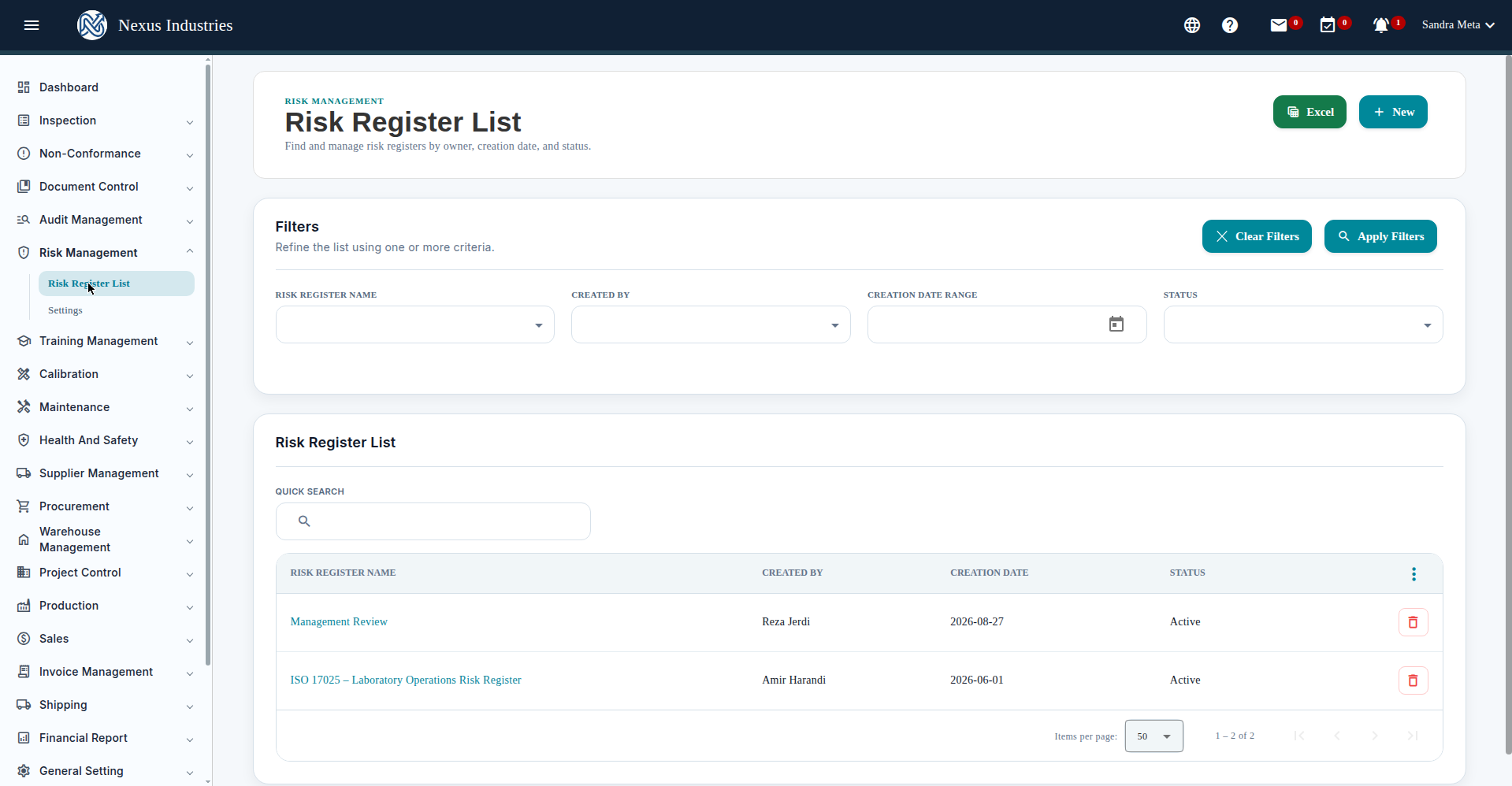
The Risk Register List shows your registers with filters by name, creator, creation date, and status (Active/Voided/Archived), plus quick search, sorting, column customization, and Excel export. Click New to create a register — you’ll pick the heat-map matrix size first, then fill in the name and purpose.
3. Identify and assess a risk #
Inside a register, click New to add a risk. Each risk goes through four stages:
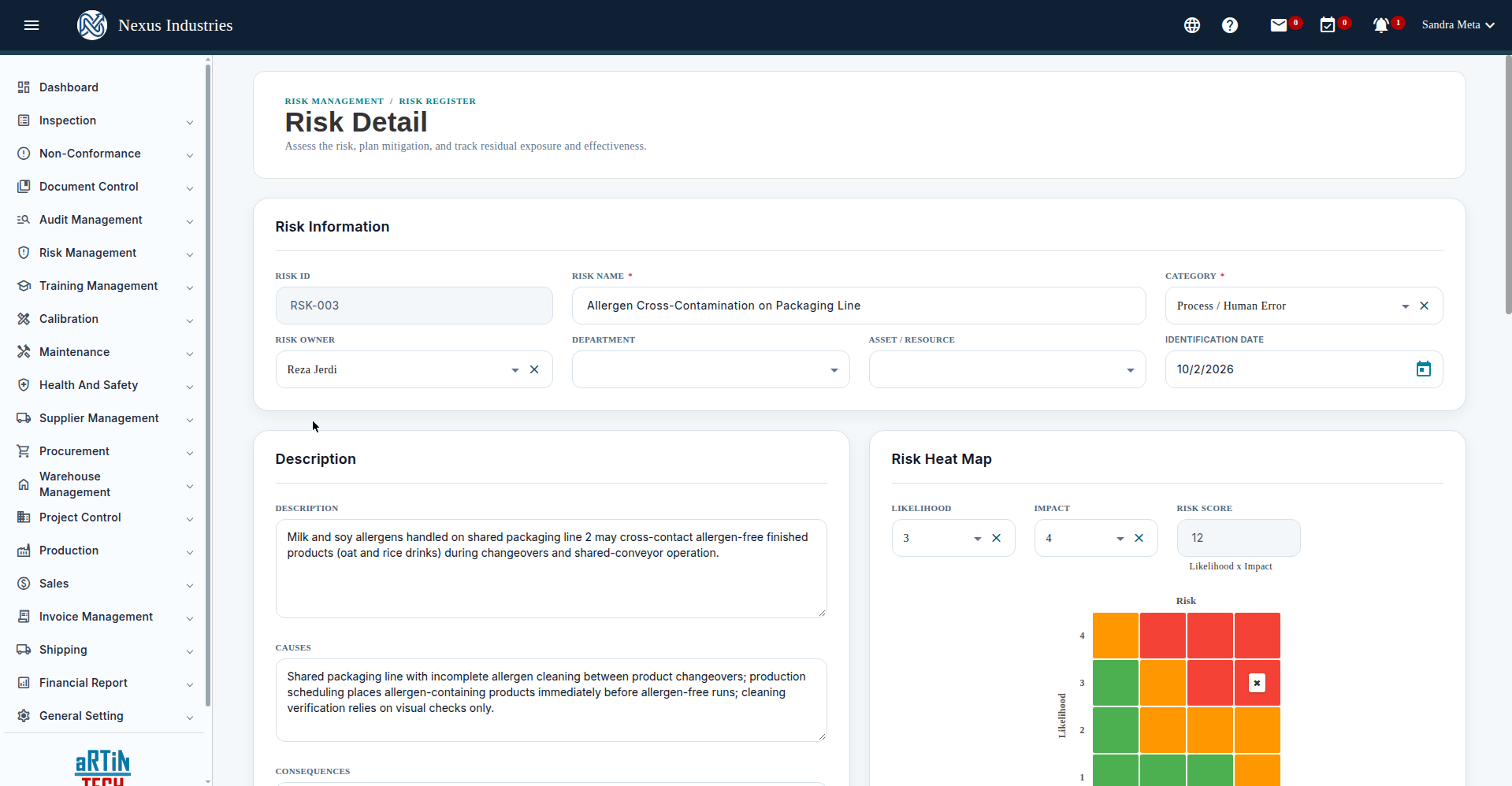
- Identify — Risk Name (required), Category (required), Risk Owner, Department, Asset/Resource, Identification Date, plus Description, Causes, and Consequences. The Risk ID is assigned automatically (e.g. RSK-003).
- Assess — set Likelihood (1-4) and Impact (1-4) on the heat map; the Risk Score is computed automatically as Likelihood × Impact. Example: “Allergen Cross-Contamination on Packaging Line” — Likelihood 3 × Impact 4 = Risk Score 12.
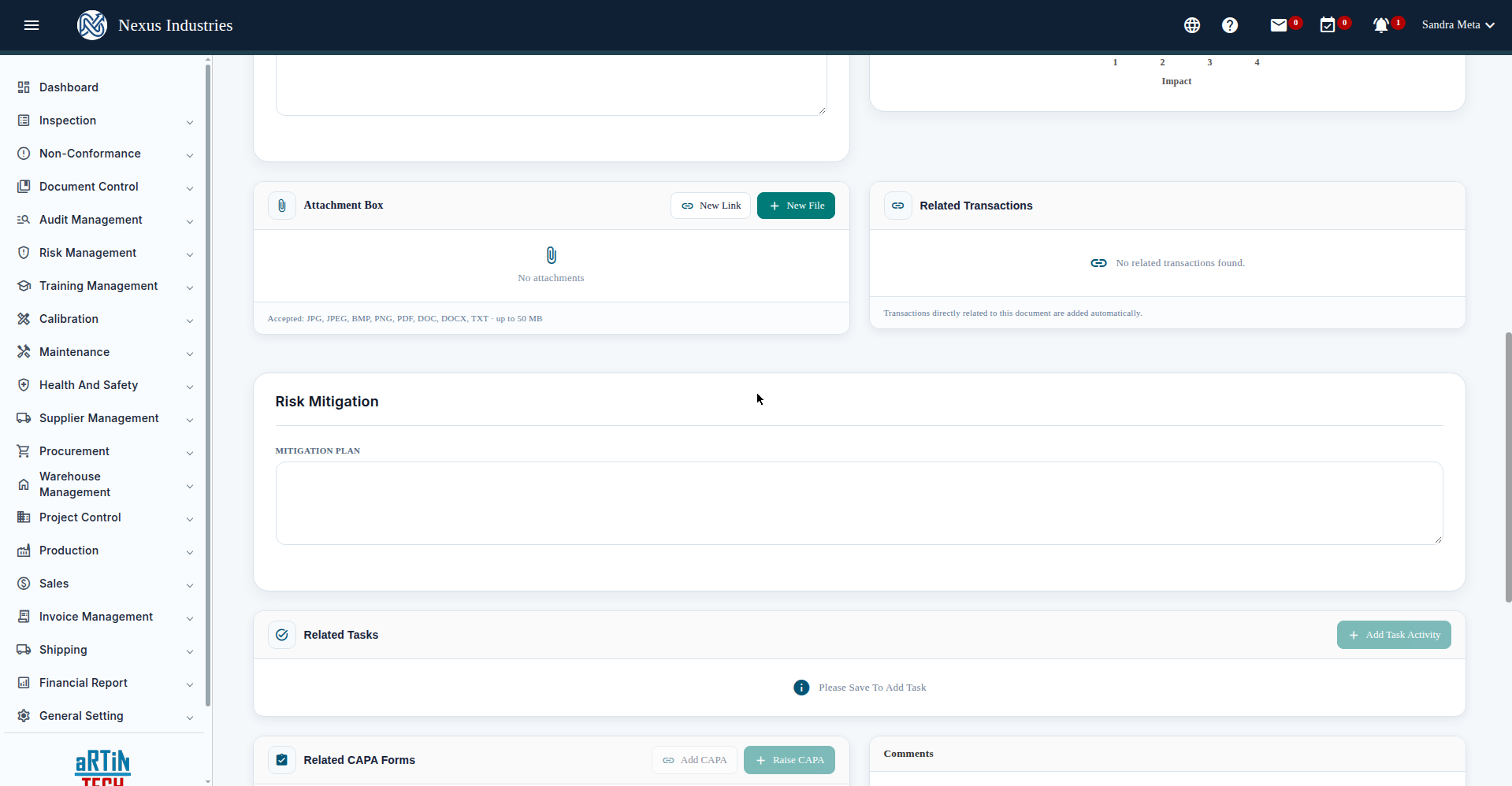
- Mitigate — write the Mitigation Plan, and once the risk is saved you can add related tasks, raise CAPA forms, and log comments.
- Monitor — record the Residual Risk (likelihood, impact, score) after mitigation, and the system computes Effectiveness % = (Inherent − Residual) / Inherent × 100%.
The register’s Risk Heat Map plots all risks on the matrix, with stats for total identified risks, primary risk score, total residual score, mitigation tasks, and CAPAs.
4. Track and filter the risks #
The risks grid offers 8 filters — Risk ID, Risk Name, Category, Risk Owner, Department, Asset/Resource, CAPA Status, Mitigation Task Status — plus sorting by risk score, so you can always find the risks that need attention. Excel export gives you the register for reviews.
5. The full flow at a glance #
Identify (describe the risk) → Assess (score it on the heat map) → Mitigate (plan, tasks, CAPAs) → Monitor (residual risk and effectiveness). Save stays disabled until the required fields are filled, and task/CAPA/comment features unlock once the risk is saved — so create the risk first, then enrich it.


