
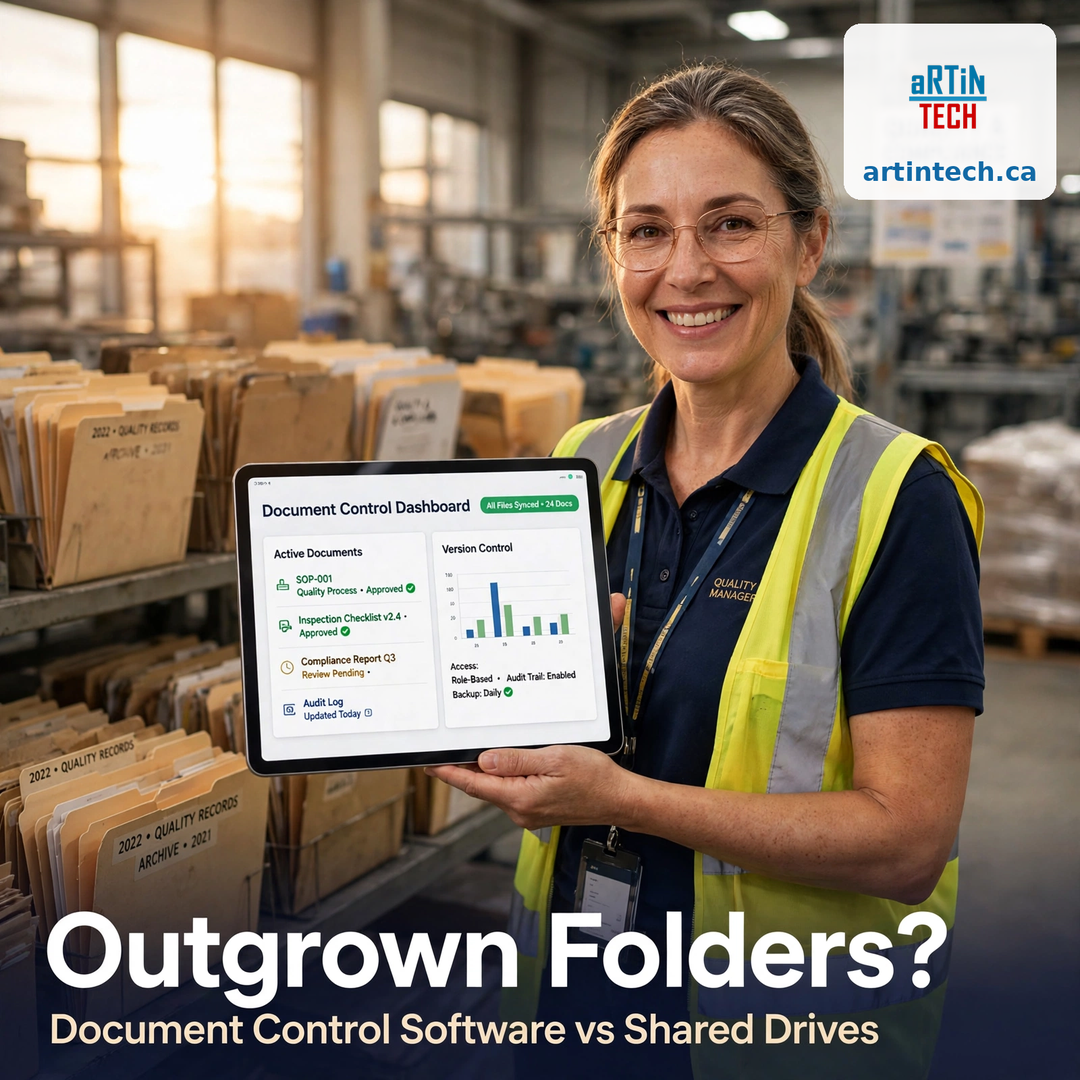
Your quality manual lives in Z:\QMS\Documents, the work instructions are in a folder called “Final_FINAL_v3,” and someone in the plant is printing a copy from a USB stick right now. If that sounds familiar, your document control software journey starts with an honest question: are shared folders still good enough for your business?
For many small manufacturers, shared drives were the natural first home for controlled documents. They’re free, everyone knows how to use them, and for a team of ten with fifty documents, they work. The problem is that document control isn’t really about storing files — it’s about guaranteeing that the right version of every document reaches the right people at the right time, with proof it happened. And that is exactly where folders fall apart.
How do you know you’ve outgrown folders? #
You don’t outgrow shared drives all at once. You outgrow them one symptom at a time. See how many of these sound like your shop:
- Operators don’t trust the documents they find. If your team double-checks with a supervisor before following a work instruction “because the folder one might be old,” your system has already failed its core job.
- “Final” means nothing.
WI-014-FINAL.pdf,WI-014-FINAL-v2.pdf,WI-014-FINAL-v2-NEW.pdf. When version control depends on file-naming discipline, every busy Tuesday becomes an audit finding waiting to happen. - Obsolete documents never die. Old revisions sit in the same folders as current ones. Someone pulls up last year’s inspection form, fills it out, and nobody notices until the customer complaint arrives.
- Training on new revisions is manual — and unverified. You email the new procedure and ask people to confirm they read it. Half reply. There’s no record of who read what, when. Auditors notice.
- Approvals happen in email threads. “Can you approve the attached?” gets lost, answered by the wrong person, or stored nowhere. There’s no traceable approval history on the document itself.
- Finding a document takes longer than reading it. Documents live in five places: the shared drive, someone’s desktop, a binder on the shop floor, email attachments, and the one folder only the plant manager knows about.
If you recognize two or more of these, you haven’t just outgrown folders — your document system is actively costing you time, rework, and audit risk.
What actually breaks first — and what it costs #
The first thing to break is usually version confidence. Once people stop believing that what they pull up is current, they improvise: they ask around, they print and hoard personal copies, they work from memory. The second thing to break is audit readiness. An auditor asks to see the change history of a procedure — who changed it, who approved it, when, and why — and the best answer you have is “let me check the file properties.” The third is speed: every engineering change, every procedure update, every corrective action that depends on a document change becomes a scavenger hunt across folders and inboxes.
None of this shows up as a line item on your P&L. It shows up as rework, scrap, customer complaints, failed audits, and the quiet hours your quality manager spends babysitting file names.
What changes when documents live in document control software? #
Document control software doesn’t just store files in a nicer interface — it runs the process around documents. Here’s what that means in practice:
- One controlled library, one current version. Only the approved revision is visible to users. Obsolete versions are archived automatically — not deleted, so you keep the history, but never shown to someone who might follow them by mistake.
- Version control you don’t have to enforce. The system numbers revisions, timestamps changes, and keeps every prior version. No file-naming policies required.
- Built-in review and approval workflows. A document routes to the right reviewers, collects electronic signatures, and records the full history — who approved, when, and with what comments.
- Automatic training assignment. Publish a new revision and everyone who needs it is assigned the read-and-understand task, with a due date and a completion record. This is the piece that turns a document update into a trained workforce — and it links directly to your training control records.
- Access by role, not by folder path. Operators see the documents relevant to their jobs. Sensitive documents stay restricted. Nobody needs a map of the drive to find anything.
- A search that actually finds things. Search by document number, title, keyword, or department — and get one result: the current, approved version.
- Audit-ready traceability. Every change, approval, and read confirmation is logged. When the auditor asks for the change history of WI-014, it’s a report, not a project.
What to look for in document control software #
Not every “document management” tool qualifies as document control for a manufacturer. Before you buy, check for these capabilities:
- Electronic signatures and approval workflows — configurable review routes with a complete, tamper-evident approval history.
- Revision control with automatic archiving — obsolete versions are superseded, never editable, always retrievable.
- Training linkage — new or changed documents trigger training tasks automatically, with completion tracking you can show an auditor.
- Role-based access and document visibility — the right people see the right documents, by job, not by remembering folder paths.
- Full change history and audit trail — who changed what, when, why, and who approved it, in one view.
- Integration with the rest of your QMS — documents referenced by audits, non-conformances, and CAPAs should link directly, not live as disconnected copies.
- Ease of use for the shop floor — if finding a work instruction takes more than two clicks, adoption will fail and folders will creep back.
Watch out for generic file-sharing tools rebranded as “document management.” If the tool can’t enforce one current version, run an approval workflow, and prove who read what, it won’t survive an ISO 9001 audit.
Shared drives vs document control software at a glance #
| Shared drives | Document control software | |
|---|---|---|
| Current version guaranteed | No — depends on file naming | Yes — only approved revision is visible |
| Obsolete versions | Sit beside current ones | Auto-archived, never shown to users |
| Approvals | Email threads, no record | Built-in workflows with e-signatures |
| Training on changes | Manual email, unverified | Automatic tasks with completion records |
| Change history | File properties at best | Full audit trail: who, what, when, why |
| Finding documents | Folder memory | Search by number, title, keyword |
| Access control | Folder permissions | Role-based, tied to jobs |
The bottom line #
Shared drives aren’t broken for everything — they’re fine for general office files. But controlled documents — procedures, work instructions, forms, drawings, specs — carry too much risk to live in folders once your team and your document count grow. The moment operators stop trusting what they find, or you start dreading the auditor’s document review, the shared drive era is over.
Document control is one of the foundational modules of a proper quality system. If you’re already thinking about audits, training, and corrective actions, explore how a real document control module keeps every document current, approved, and audit-ready — without a single “Final_FINAL_v3” folder in sight.
Ready to leave the folders behind? Start a free trial of Artintech and see what your controlled documents look like in a system built for them.


