
Artintech ERP’s Warehouse Management module covers the full life of your stock: receiving, transfer orders, inventory adjustments (cycle counts), and the inventory report, plus itemized reports for each document type. This tutorial walks through the flow.
1. Open the Warehouse Management module #
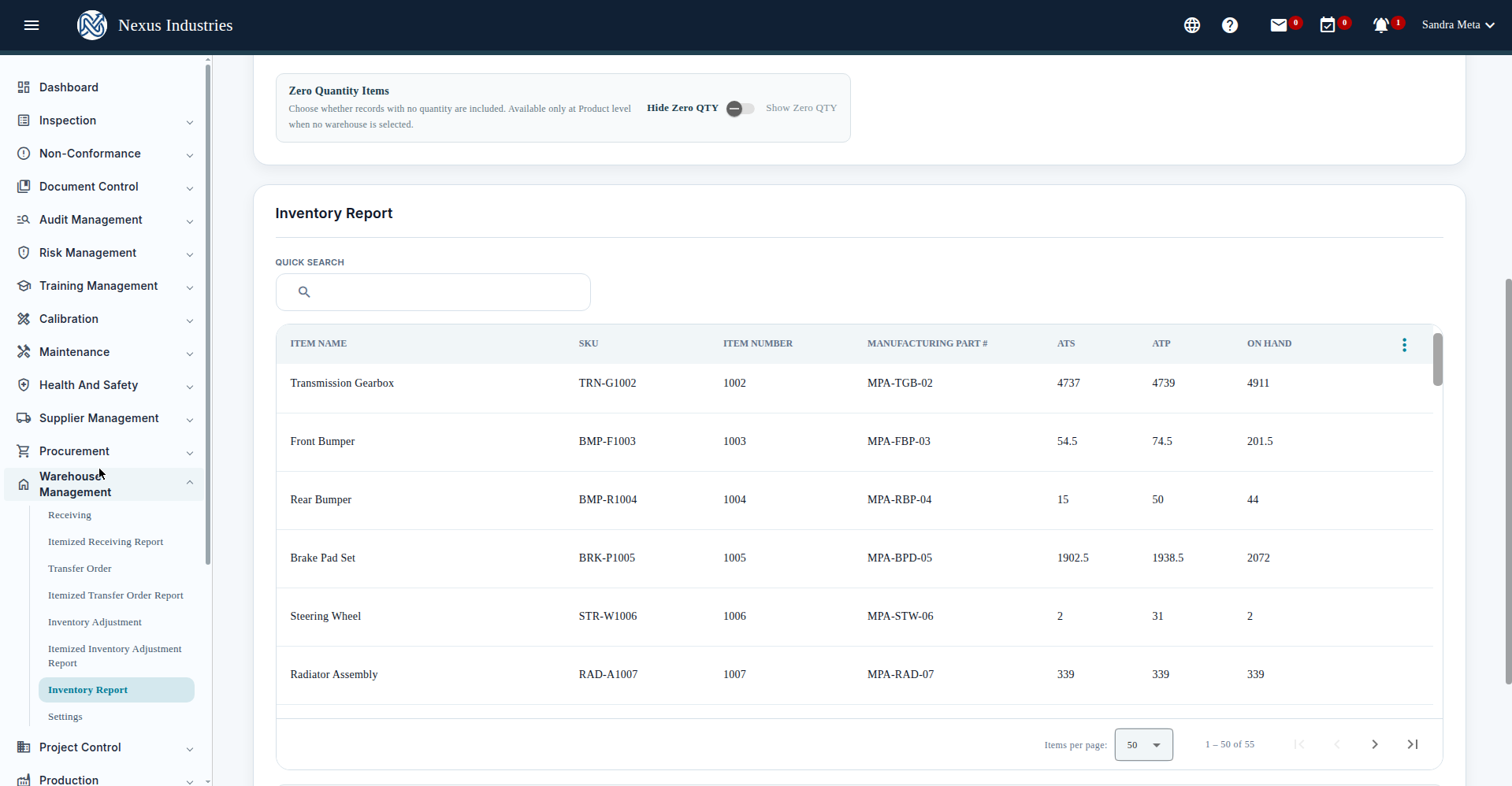
From the left sidebar, open Warehouse Management. Its sections: Receiving, Itemized Receiving Report, Transfer Order, Itemized Transfer Order Report, Inventory Adjustment, Itemized Inventory Adjustment Report, Inventory Report, and Settings.
2. Watch your stock levels #
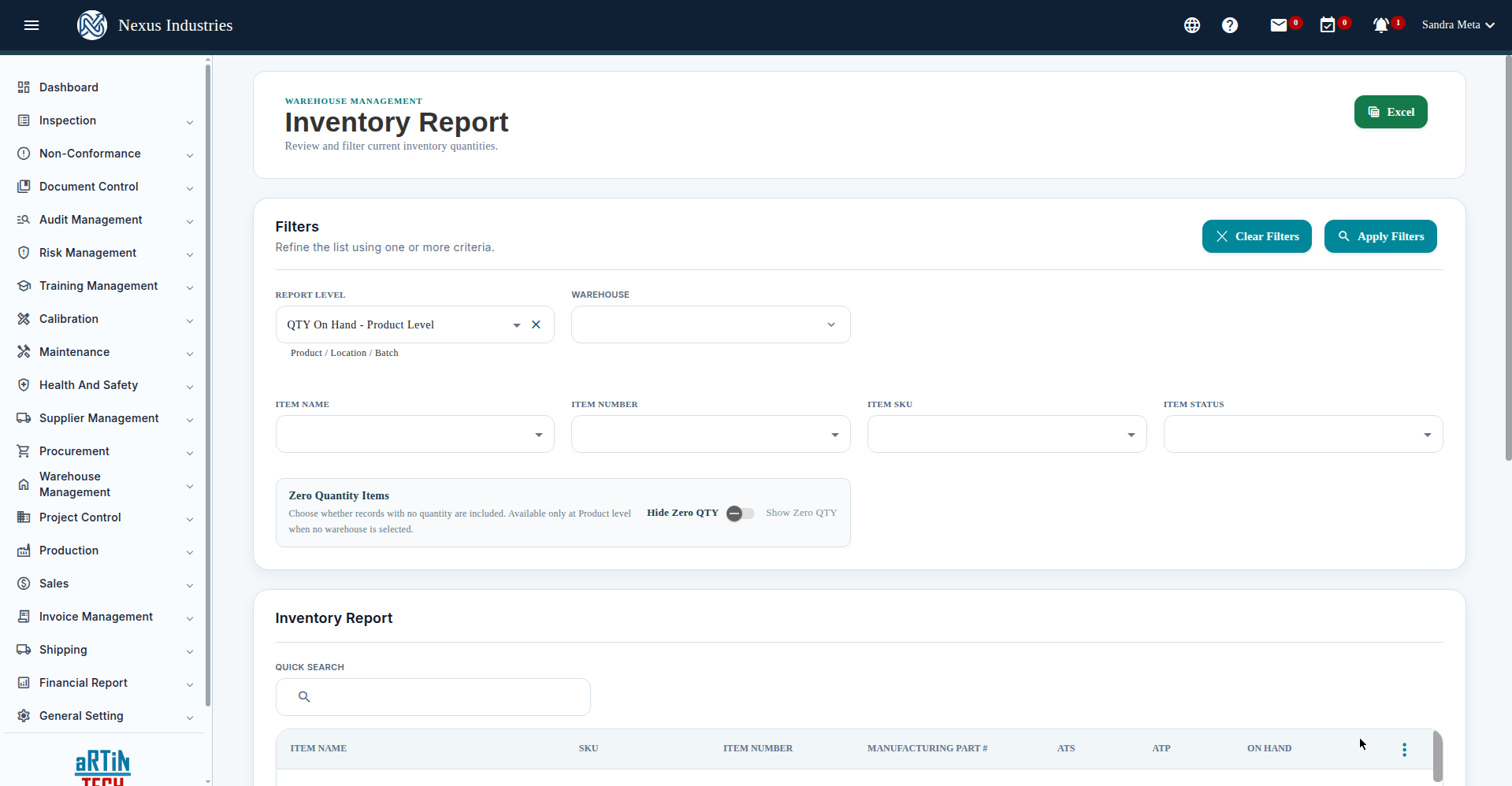
The Inventory Report is your live stock list: item name, SKU, item number, manufacturing part #, ATS, ATP, and ON HAND — with filters (report level, warehouse, inventory type), a zero-quantity toggle, quick search, Excel export, and Customize Columns. A built-in Inventory Terms glossary explains ATS (on-hand minus promised/reserved) and ATP (on-hand minus promised plus expected).
3. Receive goods #
Go to Receiving and click New. Select the supplier and warehouse, then add receiving items (item, SKU, UOM, receiving qty, warehouse section, batch/lot, expiry date, cost). Save — the receiving number is auto-assigned — and Submit to post the inventory.
4. Move stock with transfer orders #
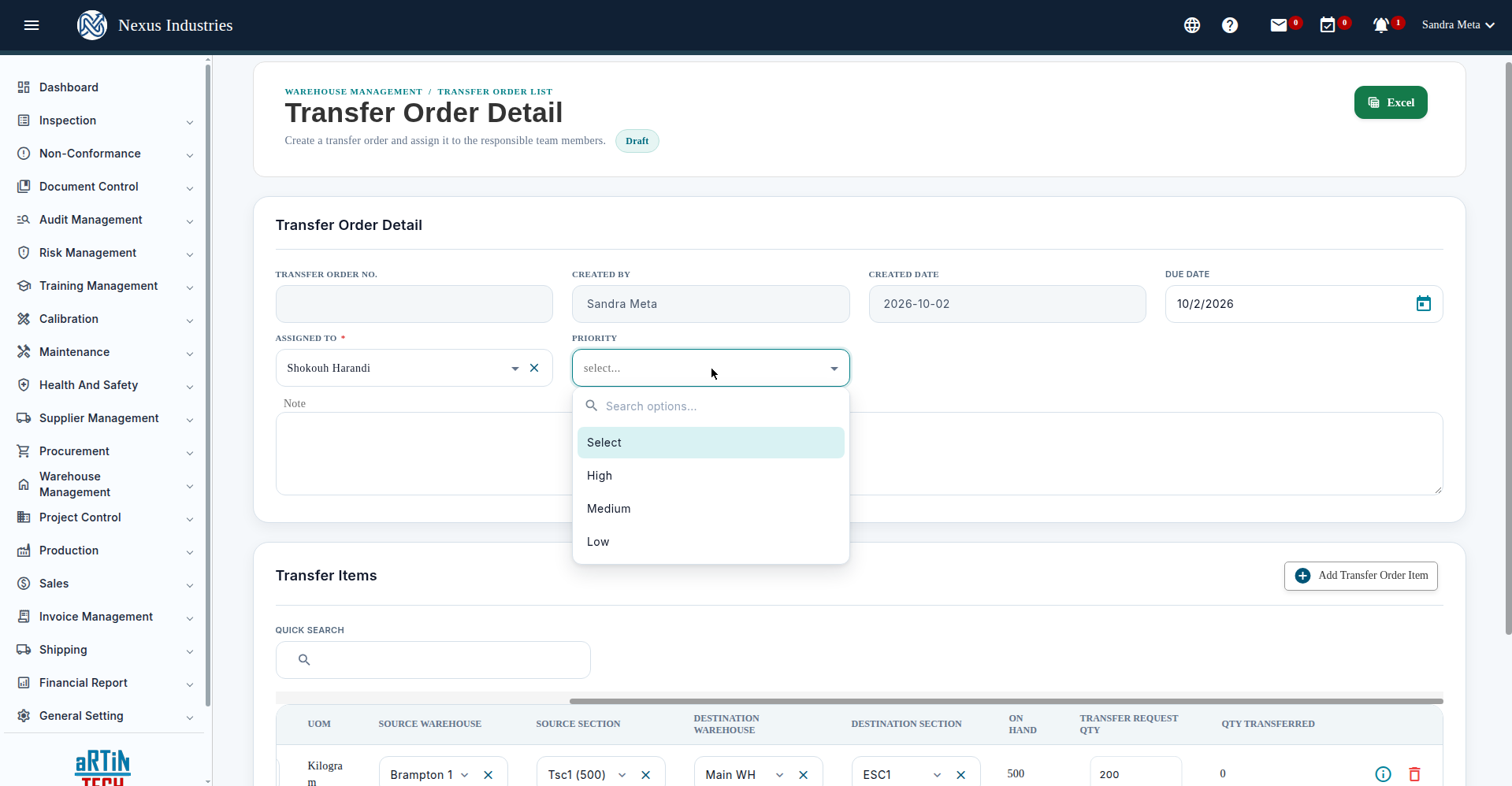
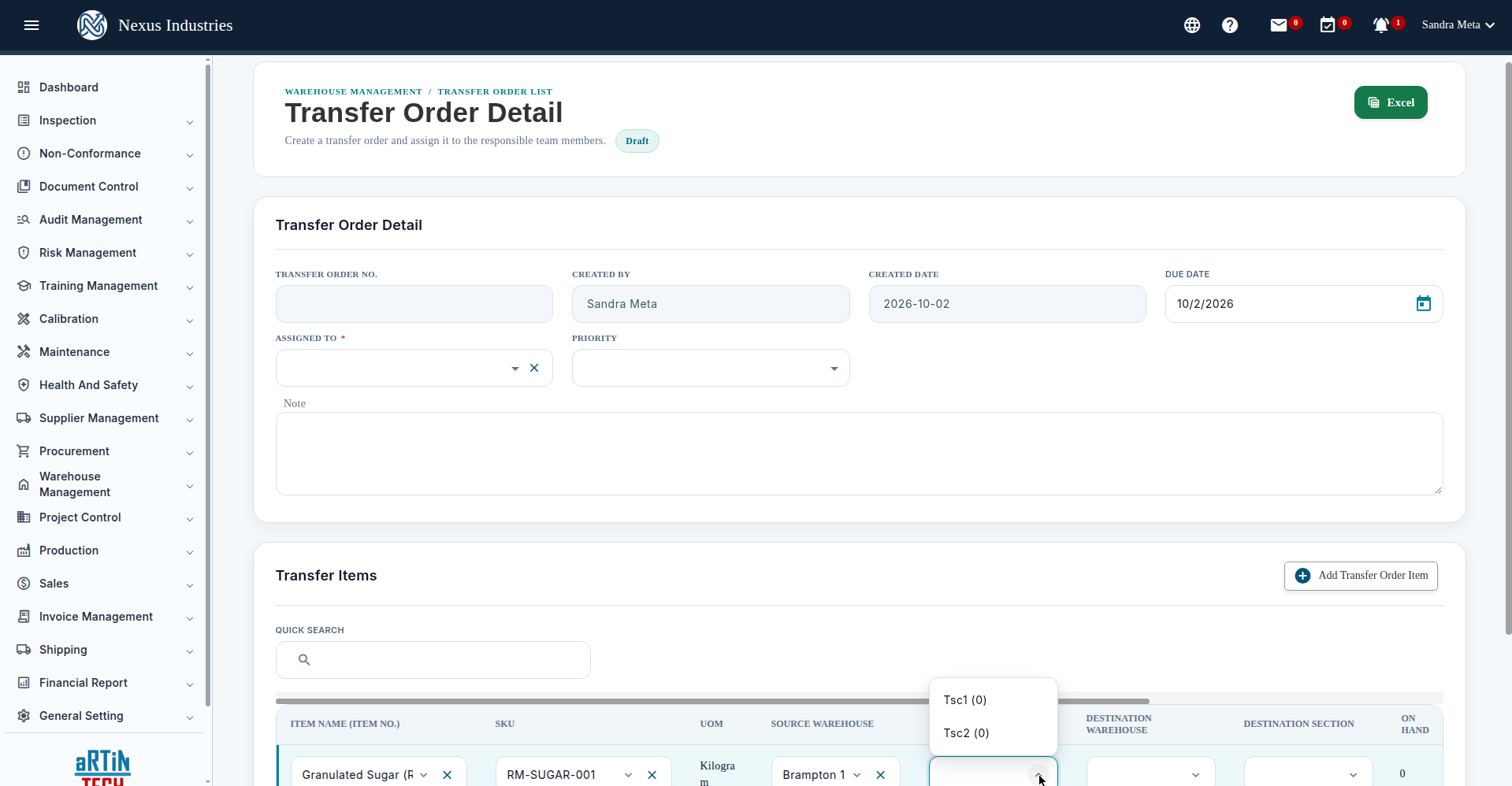
Go to Transfer Order and click New. Set the assignee, priority, and due date, then add transfer items: source warehouse and section, destination warehouse and section, and the request quantity — which is validated against on-hand stock (the dropdowns show on-hand per warehouse/section).
5. Keep counts honest with adjustments #
Go to Inventory Adjustment and click New: pick a warehouse and items, click Generate List, enter your counted quantities with notes, then Save Draft and Finalize to post the adjustment. The Itemized Inventory Adjustment Report gives you the audit trail.
6. The full flow at a glance #
Receive (goods in, batch-tracked, posted to inventory) → Move (transfer orders between warehouses and sections) → Count (cycle counts and adjustments) → Report (inventory report plus itemized reports for receiving, transfers, and adjustments).


