
Artintech ERP’s Project Control module manages customer-facing work from first contact to final invoice: proposals with lifecycle stages, projects with stages and tasks, plus direct costs and invoices. This tutorial walks through the flow.
1. Open the Project Control module #
From the left sidebar, open Project Control. Its sections: Proposals, Project List, and Settings (contractors, proposal stages, project templates).
2. Track proposals #
Go to Proposals to follow opportunities through their stages: Lead → Requirement Collected → Proposal Sent → Closed / Lost. The list has filters (proposal name, customer, date range, stage), quick search, sorting, customizable columns, pagination, and Excel export.
3. Create and run projects #
- Go to Project List and click New.
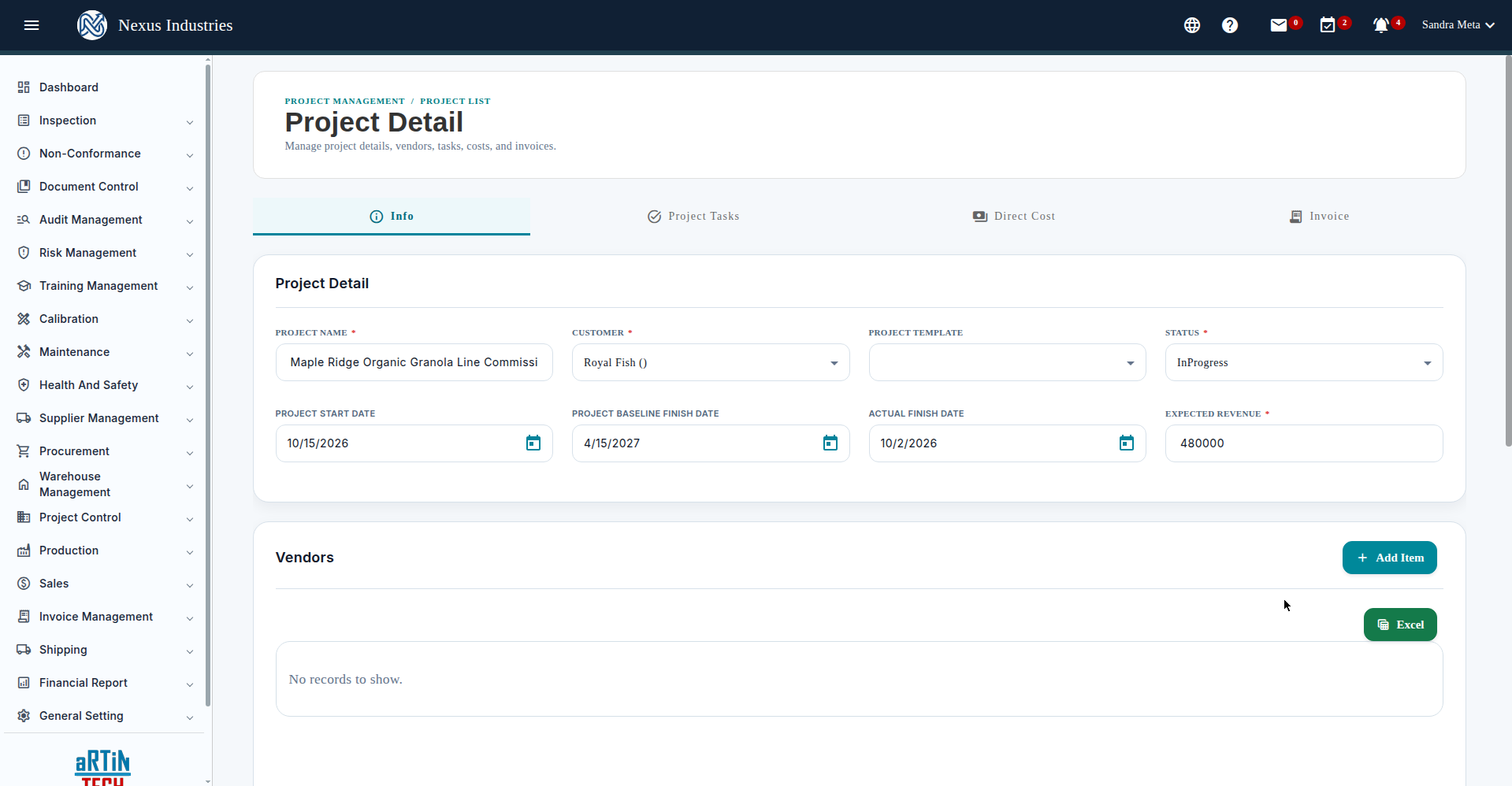
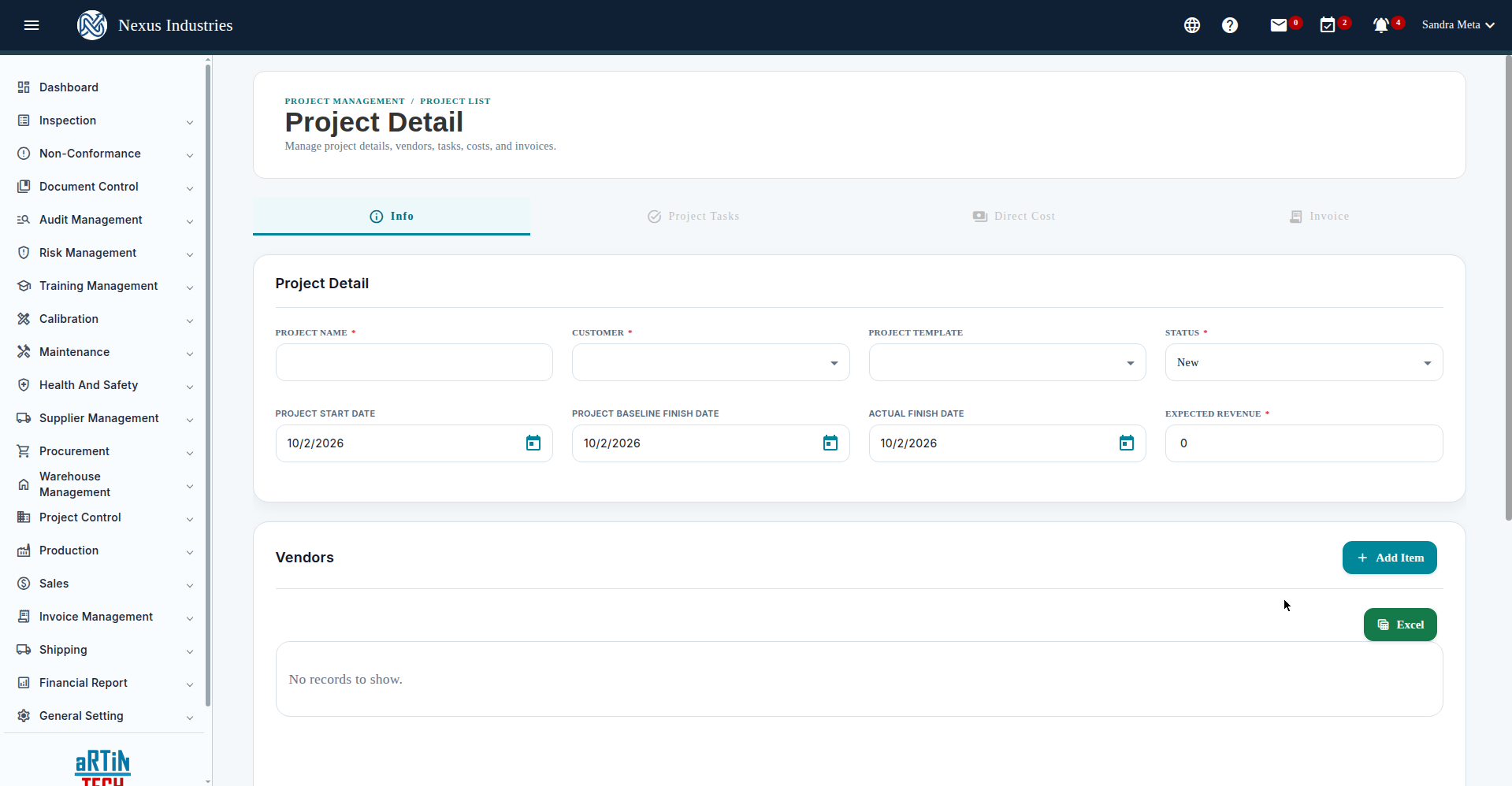
- Fill in the required fields: Project Name, Customer, Status (New / InProgress / Complete), Start Date, Baseline Finish Date, and Expected Revenue. Tip: use the calendar pickers for dates.
- Save — then the Project Tasks, Direct Cost, and Invoice tabs unlock.
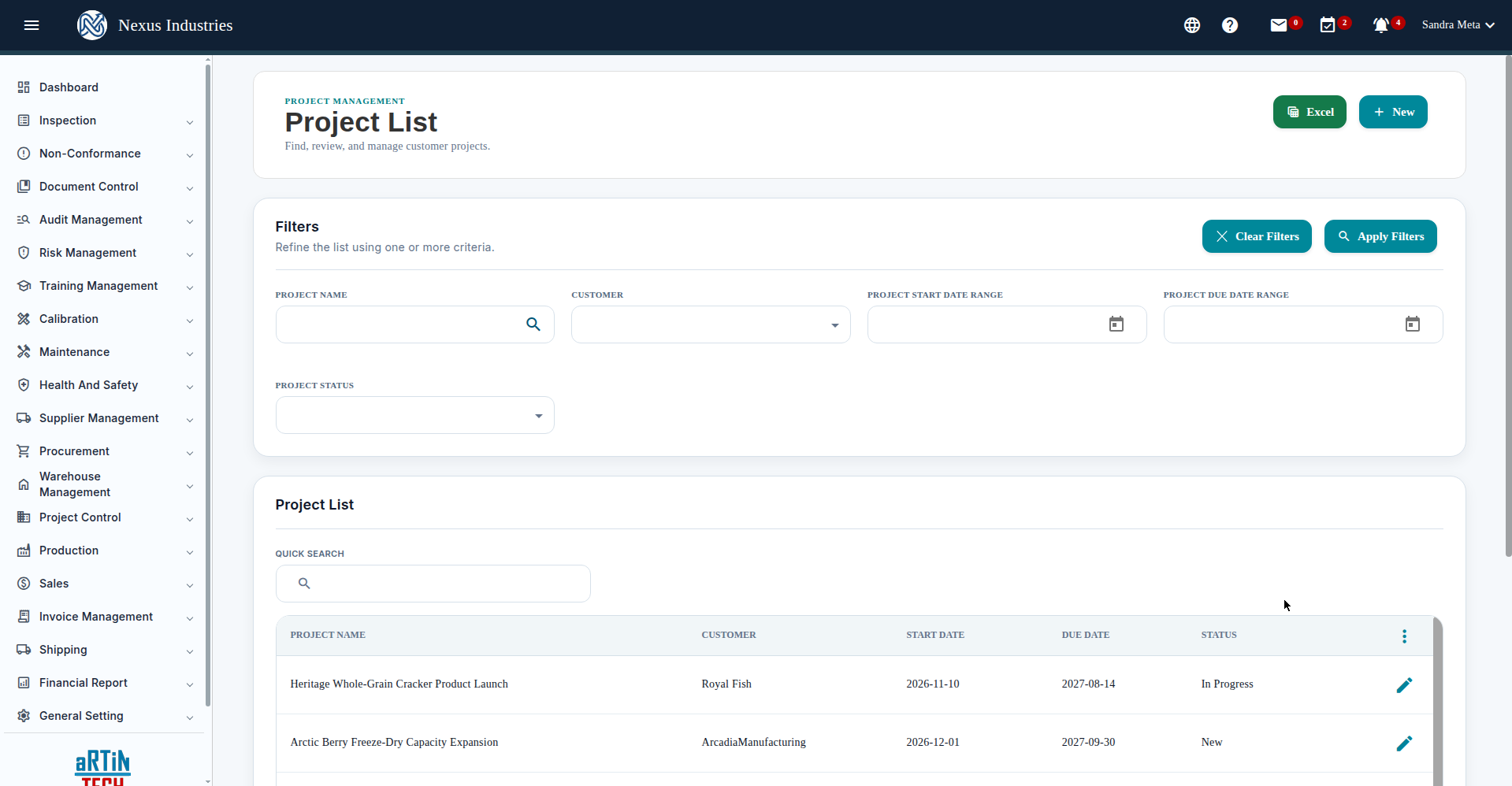
The Project List shows every project with filters (name, customer, manager, status, start/finish date ranges), quick search, sorting, customizable columns, pagination, and Excel export.
4. Break work into stages and tasks #
On the Project Tasks tab, add project stages (e.g. “Concept & Recipe Development”, “Line Design & Equipment Procurement”), then add task activities to each stage: subject, status (Open / InProgress / Closed / Cancelled), assignee, due date, priority, description, attachments, notes, and estimated vs. time-spent hours. The tab header shows task stats (total / closed / open / in-progress / cancelled / overdue).
5. Track costs and invoices #
Use the Direct Cost tab to record project costs and the Invoice tab to track project invoices — so every project carries its financial picture in one place.
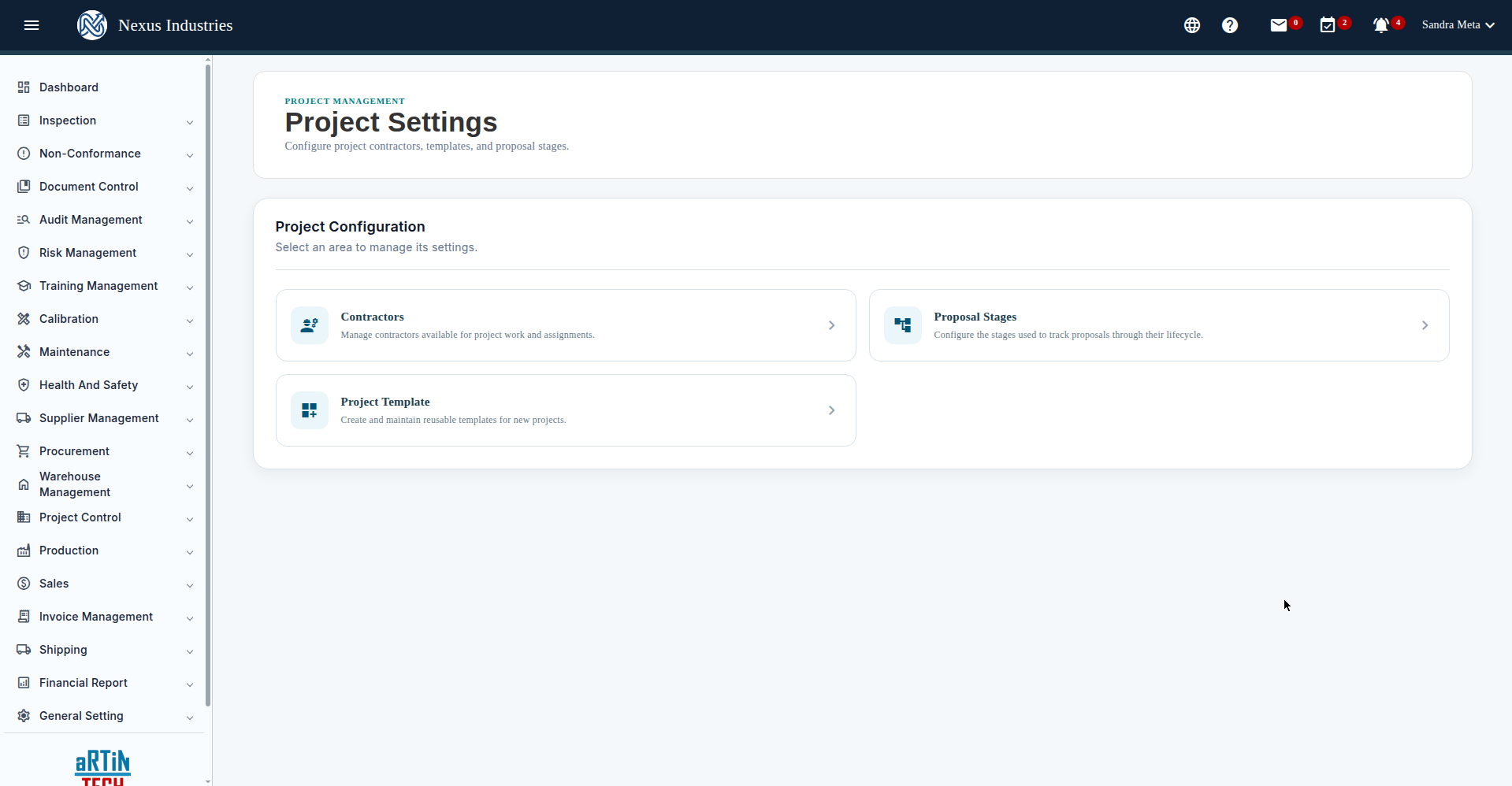
The Settings area lets you manage Contractors (with license expiry), Proposal Stages, and reusable Project Templates for spinning up new projects fast.
6. The full flow at a glance #
Propose (track opportunities Lead → Closed) → Plan (projects with templates, dates, expected revenue) → Execute (stages and tasks with owners, priorities, and hours) → Control (direct costs and invoices against the plan).


