
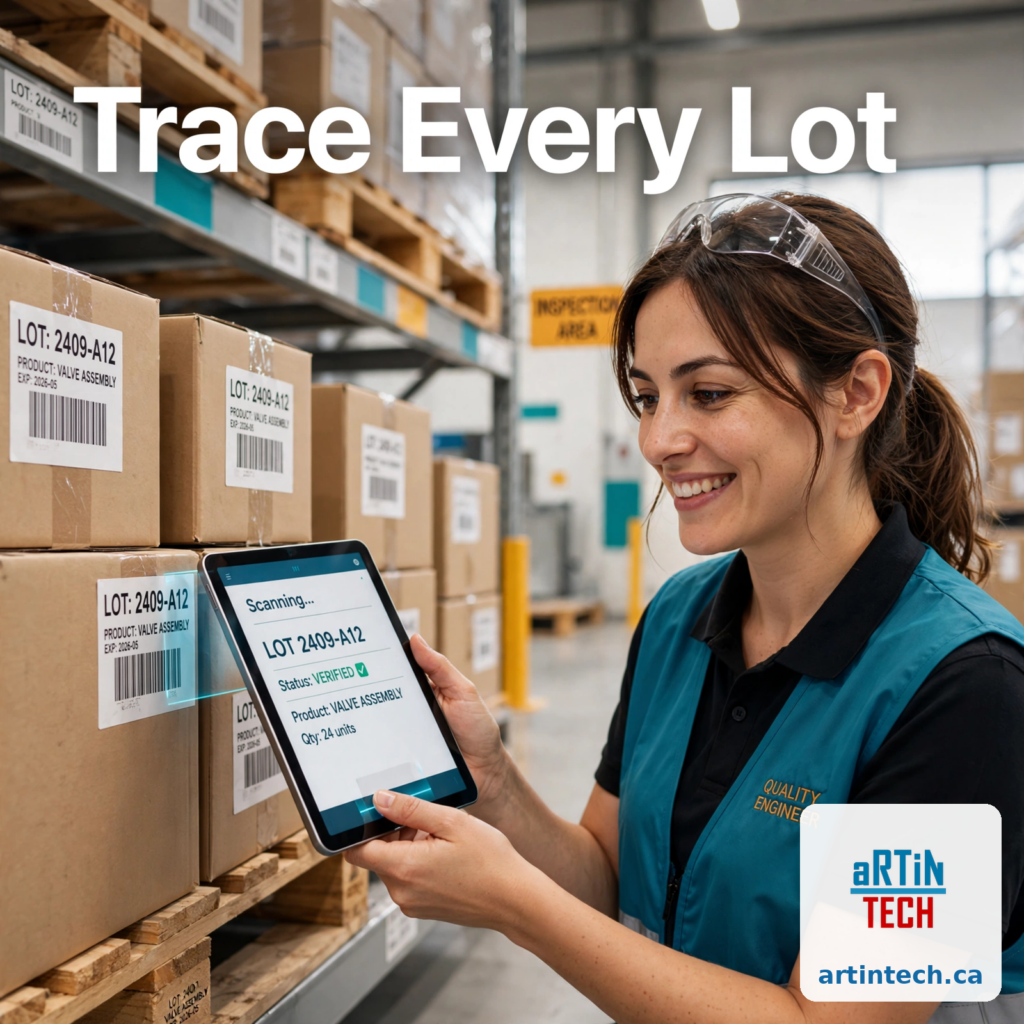
A customer calls on a Friday afternoon: one of your parts failed in the field, and they want to know which raw material lots went into it. With lot traceability software for manufacturers, you answer in minutes. Without it, you spend the weekend digging through receiving logs, production records, and shipping manifests, hoping nothing is missing.
Lot traceability is the ability to follow any material batch forward and backward through your operation: which supplier lot arrived, which finished goods it went into, and which customers received them. In regulated industries it is a requirement. Everywhere else, it is the difference between a contained one-day recall and a brand-damaging guess.
What is lot traceability, and why does it matter? #
Lot traceability means every material gets a lot or batch number on arrival, and that number follows it through production, packaging, and shipping. Trace forward from a bad steel lot to every finished part containing it. Trace backward from a customer complaint to the supplier shipment behind it.
It matters for three reasons:
- Recalls. When something goes wrong, regulators and customers expect you to identify affected product fast and prove you found all of it. One day of searching is fine; three weeks is not.
- Audits. ISO 9001 (clause 8.5.2) requires identification and traceability where it is needed. Auditors love asking for a live trace exercise.
- Cost. Without precise traceability, a recall becomes a shotgun recall. You pull everything because you cannot prove what to pull, and that overkill is expensive.
How do most small manufacturers track lots today? #
Most start with paper or spreadsheets, and the pattern is familiar:
- Receiving logs record the lot number, supplier, and quantity. On a good day.
- Production travelers note which lots were consumed, often in handwriting nobody can read later.
- Shipping manifests list finished goods quantities, rarely tied back to specific material lots.
- The spreadsheet is supposed to tie it all together, but it only works if every person updates it, every time, the same way.
Breaks happen everywhere: a rush order skips the log, a label smudges, two people use different lot formats, and the spreadsheet lives on someone’s laptop. The data you need most is exactly the data that goes missing first.
What can go wrong when traceability breaks down? #
The recall you cannot scope. A food manufacturer discovers a contaminated ingredient. Because lots were never linked to finished pallets, they recall six months of production instead of three days. The cost multiplies, and the brand story becomes a news story.
The audit you cannot pass. An auditor picks a finished good and asks you to trace it back to receiving, but the lot numbers were on a sheet lost in a shop floor cleanup. The finding lands in your audit report.
The blame game with suppliers. A defective component ships to a customer. Without lot records, you cannot prove which supplier shipment it came from, so you absorb the warranty cost instead of the supplier.
Each of these failures is a data-linking problem, not a people problem. People do the right thing when the system captures lots automatically at each step.
What to look for in lot traceability software #
This is the section that matters if you are shopping. Look for these eight capabilities:
1. Lot capture at receiving. Scanning or entering lot numbers on incoming shipments, linked to the purchase order and supplier. If lot capture is optional, the system fails the way spreadsheets do.
2. Automatic lot assignment through production. When a lot is consumed on a work order, the software links it to the finished goods produced. No retyping, no gaps.
3. Forward and backward trace in one click. Type in a finished good lot and see every material lot inside it; type in a material lot and see every finished good and customer shipment it touched. Test this in a live demo before you buy.
4. Barcode labels and scanning. Printed lot labels on bins, pallets, and finished goods, scanned at each move. Barcodes remove the handwriting and transcription errors that kill traceability data.
5. FIFO, FEFO, and expiration control. The software should direct picks by lot age or expiration date and block expired lots from shipping. This is where warehouse management software at https://artintech.ca/modules/warehouse-management-system earns its keep.
6. Mock recalls. Run a practice recall and time how long it takes to list every affected finished good and customer. Auditors increasingly expect them.
7. Audit trail and genealogy reports. Who changed a lot record and when, plus printable genealogy reports to hand an auditor.
8. Integration with quality and shipping. Traceability breaks when inspection results live in one system and shipping in another. Lot holds should block shipping automatically, and shipped lots should link back to inspection results. This is why traceability works best alongside quality inspection software at https://artintech.ca/modules/quality-inspection-management-system and distribution software at https://artintech.ca/modules/distribution-erp-software, not as a standalone tool.
One warning: bolt-on traceability modules that sit outside your inventory system rarely survive contact with the shop floor. Traceability data is inventory data. If the two systems disagree, people stop trusting both.
How to test lot traceability software before you buy #
Feature lists are easy to fake in a sales deck. Run these three tests in the demo:
- The Friday-afternoon test. Give the vendor a finished good lot number and ask them to trace it back to the supplier shipment. Time it. If it takes more than a few minutes, the links are not really connected.
- The mock recall. Pick one material lot and ask for every finished good and customer shipment it touched. The result should be a clean list, ready to hand to an auditor.
- The shop floor reality check. Ask who scans what, where, and when. If nobody can explain the scanning step at receiving and the work center, the system will decay into the spreadsheet it replaced.
What changes when traceability is part of your ERP #
When lot tracking lives inside your ERP instead of alongside it, the links form automatically. Receiving creates the lot against the purchase order, production consumes it against the work order, shipping pulls it against the sales order, and quality holds block it from shipping. Nothing to reconcile, because there is only one record.
That is the real pitch: not a fancier spreadsheet, but one system where every lot number appears in receiving, production, quality, and shipping without retyping. A recall becomes a five-minute query, and an auditor’s surprise trace exercise becomes a demonstration.
If lot tracking still lives in spreadsheets at your plant, look at how warehouse management software at https://artintech.ca/modules/warehouse-management-system handles lots from receiving to shipping. A short demo of a real trace exercise will tell you more than any feature list.
Artintech’s cloud ERP includes lot traceability across receiving, production, quality, and shipping. Start a free trial of Artintech at https://artintech.ca/ and run a mock recall on your own data.


